Flight Simulator Training: What It Can and Cannot Do
Published by:
Jacob Kyser
You are established on an instrument approach when the workload begins to pile up. The briefing felt rushed, the radios need attention, and one missed step starts pulling your scan apart. In an airplane, the flight keeps moving. In flight simulator training, your instructor can pause the lesson, reset the scenario, and let you work through the sequence again while the lesson is fresh.
That repeatability is the simulator’s greatest strength. A simulator can build procedures, instrument habits, cockpit organization, and decision-making practice. It cannot fully reproduce the motion, control feel, weather, traffic, landing sight picture, or consequences of flying an actual aircraft. At Universal Flight Training, we use simulator-supported practice as one part of a broader training plan that connects ground knowledge, instructor feedback, and airplane experience.
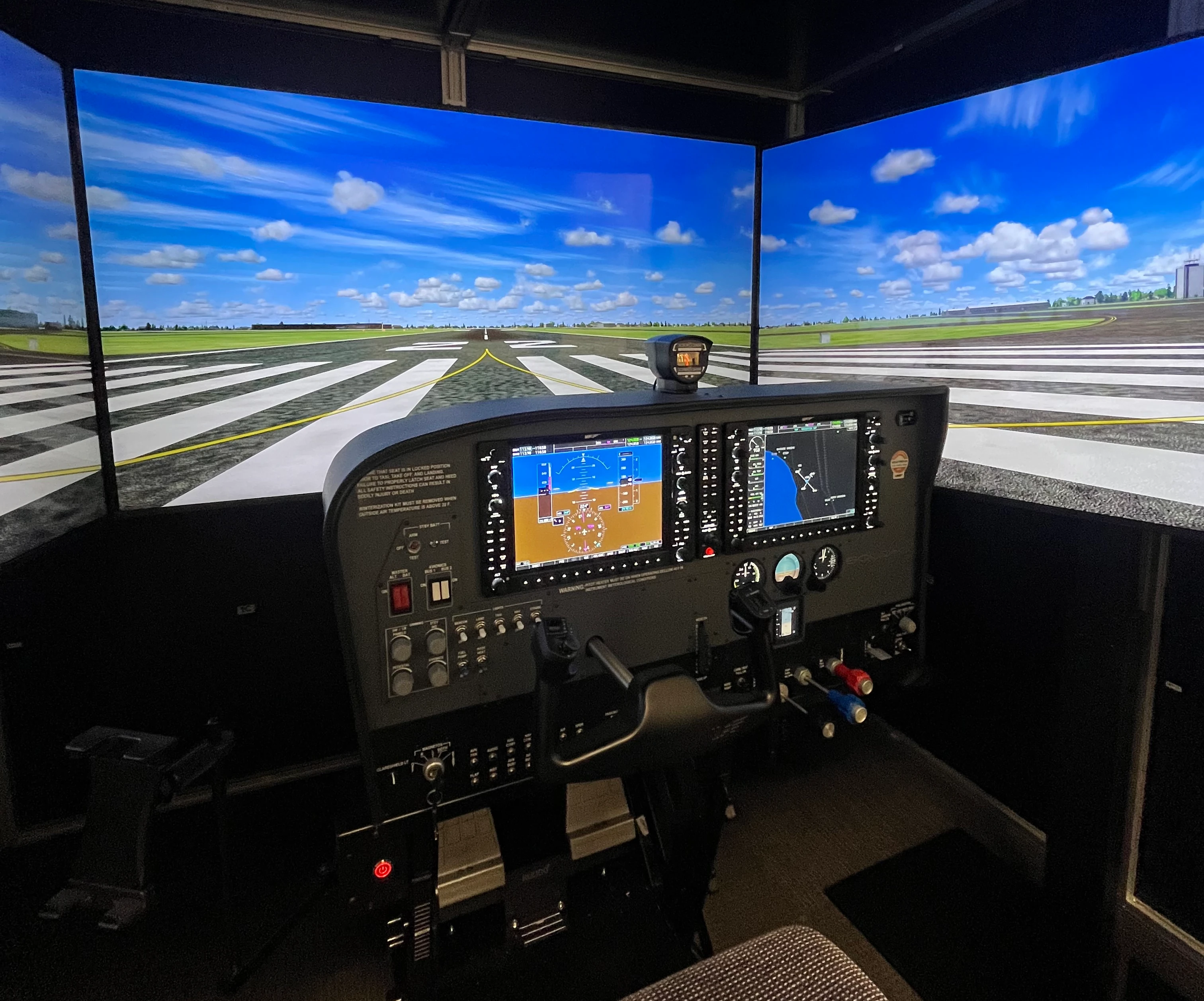
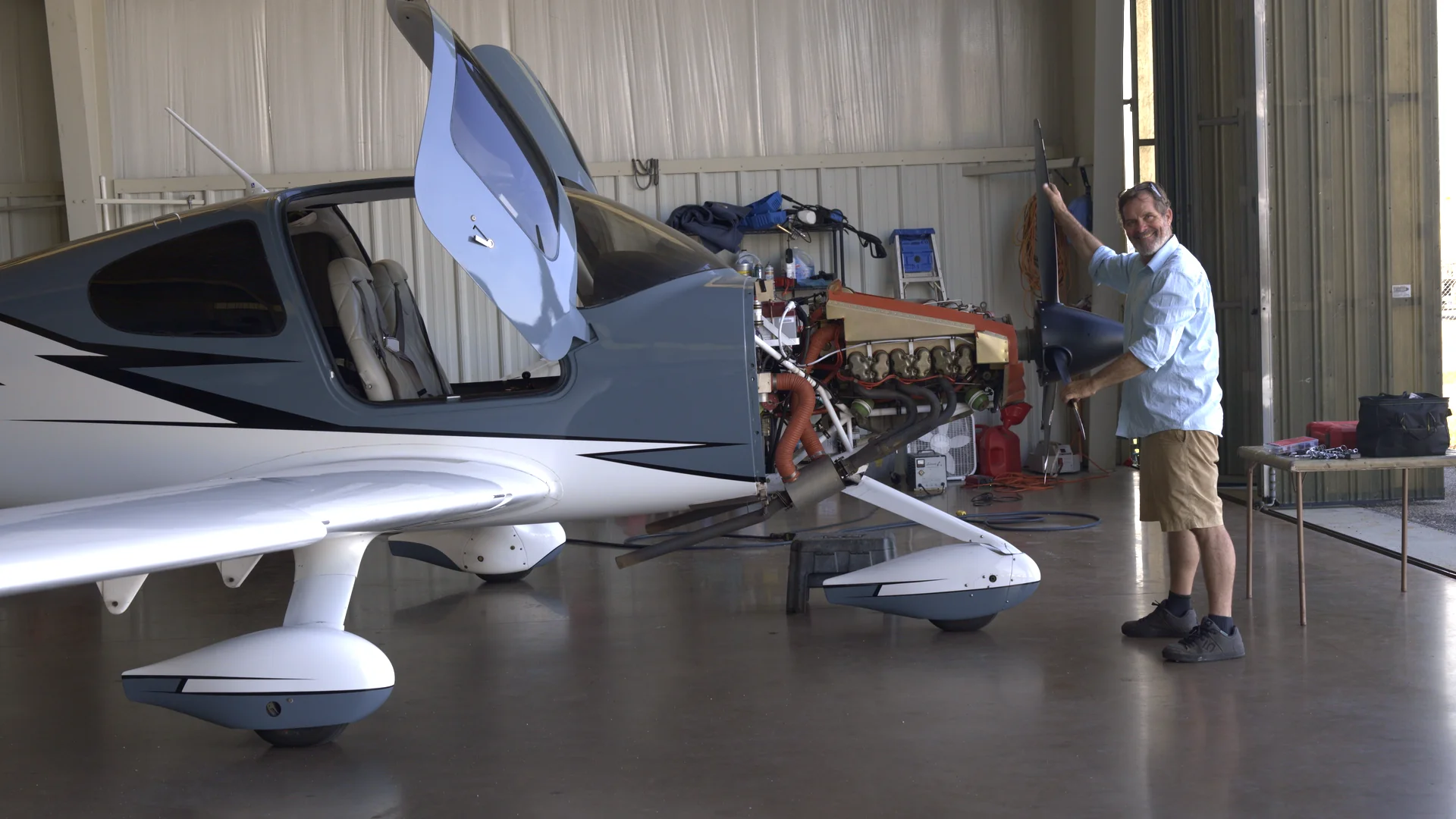
A simulator gives students a controlled setting to repeat cockpit procedures with an instructor.
Repetition turns a busy procedure into an organized flow
In the simulator, you can repeat the same task without repositioning an aircraft or waiting to recreate the conditions. An instructor can reset an approach, change a system condition, or return you to the moment where the workload started getting ahead of you.
This works especially well for instrument procedures. You can practice a briefing, avionics setup, instrument scan, course interception, missed approach, or diversion several times and compare each attempt. Our Instrument Rating program connects those procedures to the knowledge, aircraft training, and instructor guidance needed to use them in context.
The debrief is part of the training. A productive simulator session includes a clear objective, active coaching, and a review of what happened. Repetition without feedback can reinforce the wrong sequence just as easily as the right one, so the instructor’s role matters more than the screen size or visual detail.
A simulator makes difficult scenarios easier to examine
Some lessons become clearer when the instructor can control the setup. Weather changes, equipment problems, high workload, and unfamiliar routing can be introduced deliberately, paused, and discussed without placing the aircraft into the simulated condition.
That controlled setting helps you notice the decision chain. Did you brief early enough? Was the next frequency ready? Did one change cause you to stop flying the larger picture? Those questions connect simulator work to the risk-management habits discussed in our IMSAFE and PAVE guide.
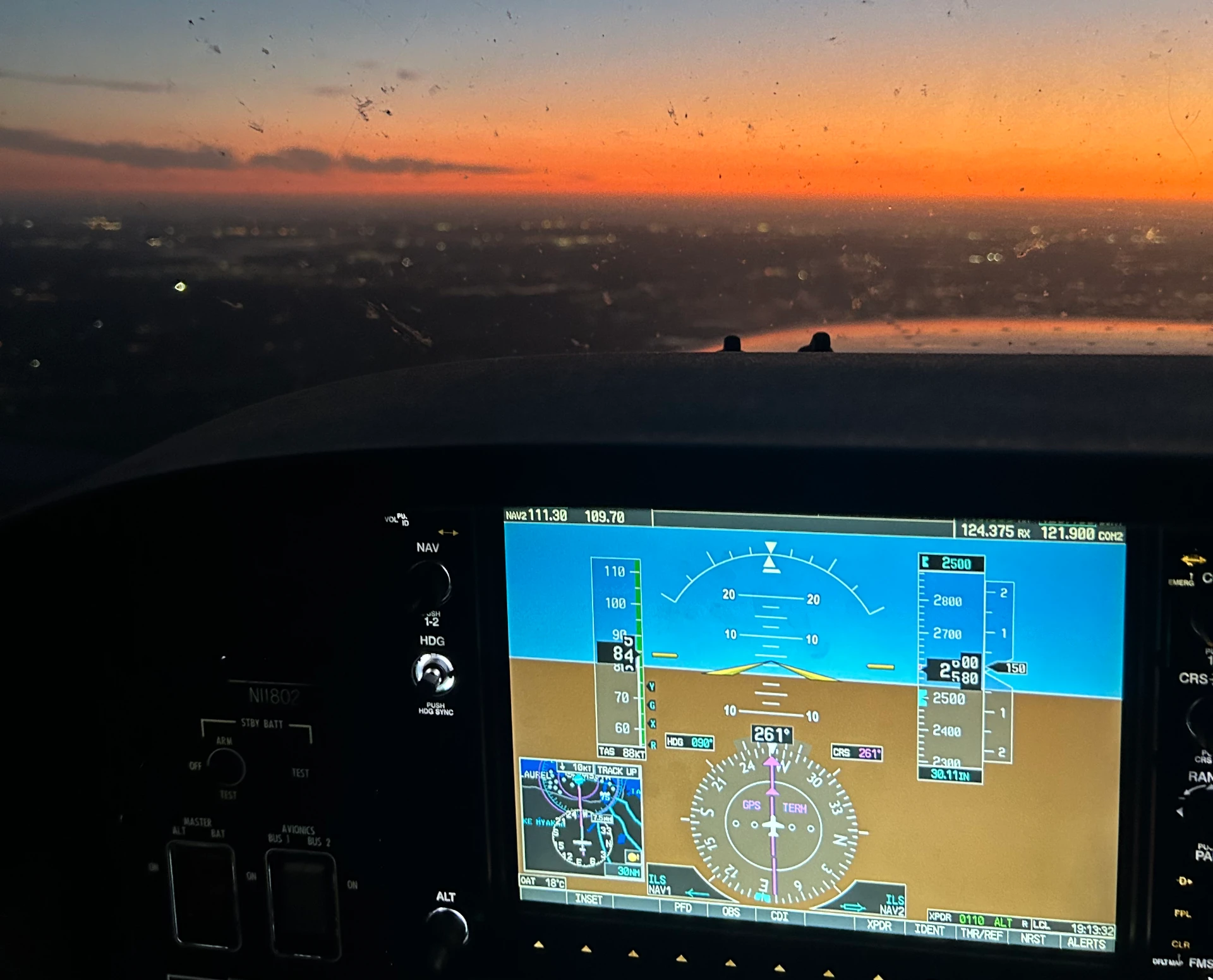
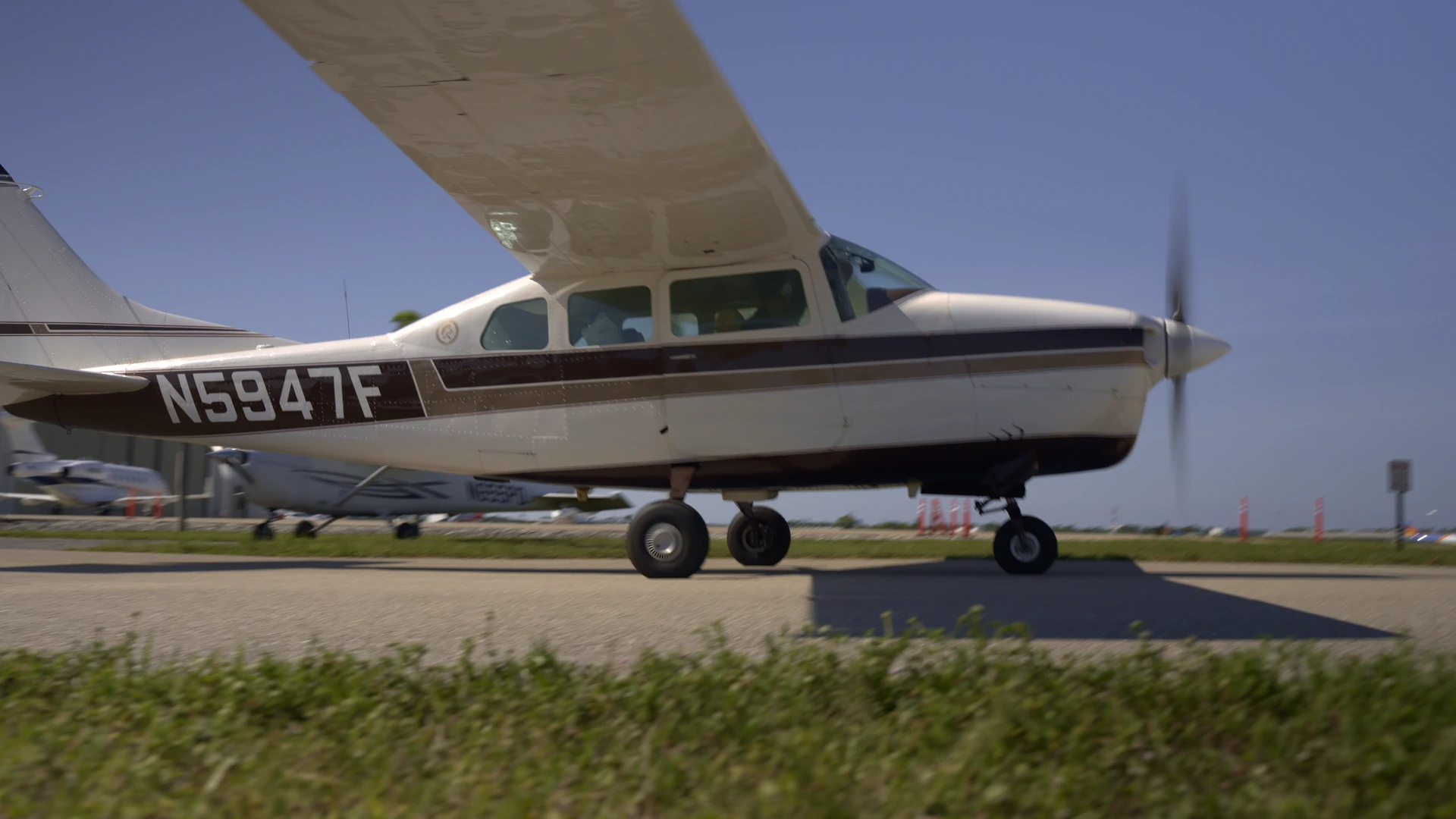
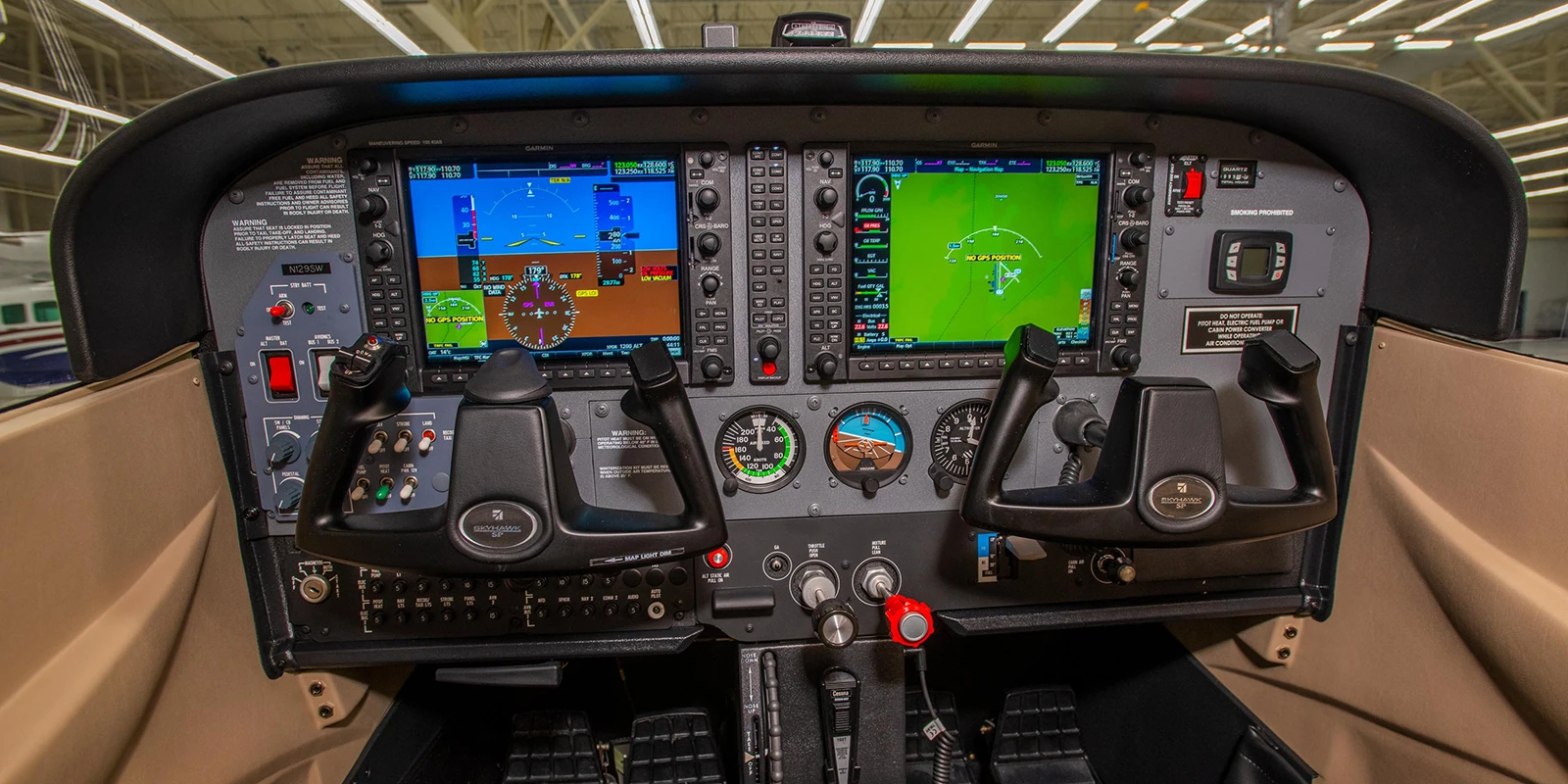
Aircraft lessons add real motion, changing outside conditions, radio timing, and cockpit workload.
Scenario practice builds recognition and organization. It does not prove how you will perform in every real flight. The useful next step is to carry the corrected procedure into your ground preparation and aircraft lessons, then let your instructor evaluate how the pieces are connecting.
Airplane time teaches the cues a simulator leaves out
An airplane gives you physical and operational information that a ground-based training device cannot fully duplicate. You feel control pressures, acceleration, vibration, turbulence, temperature, and the changing sight picture. You share the airport and airspace with other traffic. The radio moves at its own pace, and the weather will not wait for a reset.
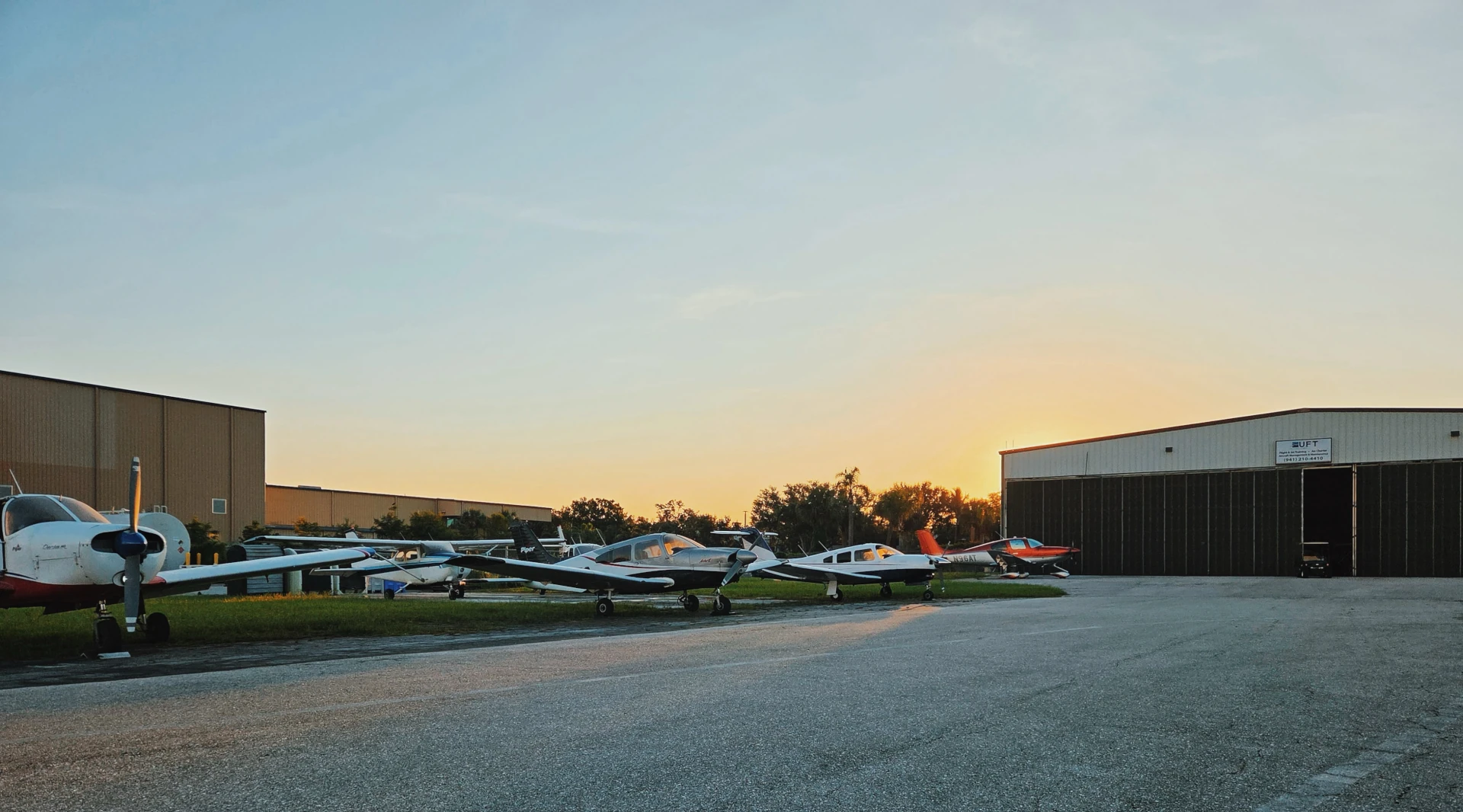
Takeoffs and landings make the difference obvious. The sight picture, flare timing, crosswind correction, braking, and runway environment depend on real aircraft handling and real outside cues. Explore our training fleet to see the aircraft side of the training environment.
The aircraft also develops practical habits around preflight inspection, taxi, checklists, fuel planning, airport operations, and postflight decisions. A simulator can support parts of that preparation, but the airplane is where you integrate the full flight.
Loggable credit depends on the device and the training plan
The phrase “simulator time” covers different equipment and different uses. Credit toward a certificate, rating, or recent-experience requirement is specific to the device’s current FAA authorization, the applicable regulation or approved course, instructor involvement, and how the session is conducted and logged.
FAA Advisory Circular 61-136B explains the approval and use of Basic and Advanced Aviation Training Devices. It also makes clear that authorized uses and allowable credit depend on the device and its letter of authorization. You can review the FAA’s current AC 61-136B page, then talk with your instructor about how those rules apply to your goal.
For planning purposes, do not treat every hour in front of a simulator as interchangeable with an aircraft hour. Contact our team to discuss how current device authorization and instructor-led sessions may fit your specific certificate, rating, or proficiency plan.
Use each training environment for the job it does best
| Training goal | Simulator-supported practice | Aircraft experience |
|---|---|---|
| Procedure flow | Repeat, pause, and rebuild a sequence | Perform the sequence while the flight continues |
| Instrument scan | Practice attention management and recover from fixation | Apply the scan with real motion and aircraft response |
| Scenario decisions | Change conditions and examine choices with an instructor | Manage real weather, traffic, timing, and consequences |
| Radio and navigation setup | Rehearse button flow, frequencies, and briefings | Communicate within live airport and airspace operations |
| Takeoffs and landings | Review concepts and sequence | Develop real sight picture, control feel, and timing |
| Training records | May qualify when authorization and use requirements are met | Counts according to the applicable aircraft and experience rules |
A strong plan connects the two environments. Use ground study to understand the lesson, the simulator to isolate and repeat selected tasks, and the airplane to integrate those skills in real operations. Our guide to choosing a flight school can help you evaluate how a school combines instructors, aircraft, scheduling, and training tools.
Cost belongs in that planning conversation too. Simulator sessions may be useful for targeted practice, but total training cost depends on your course, proficiency, schedule, aircraft and instructor time, and other training expenses. Financing options may be available to qualified applicants; approval and terms come from the lender.
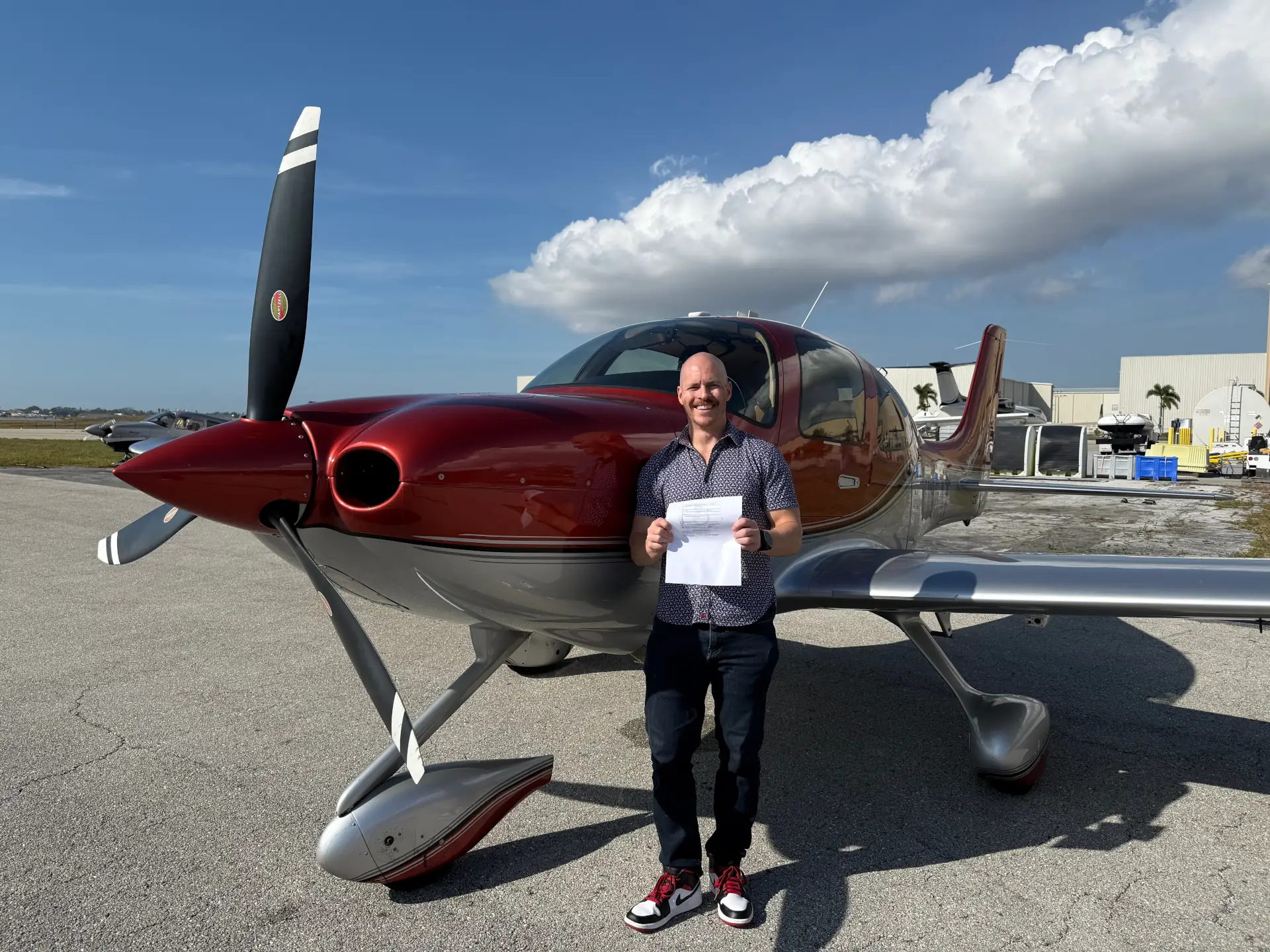
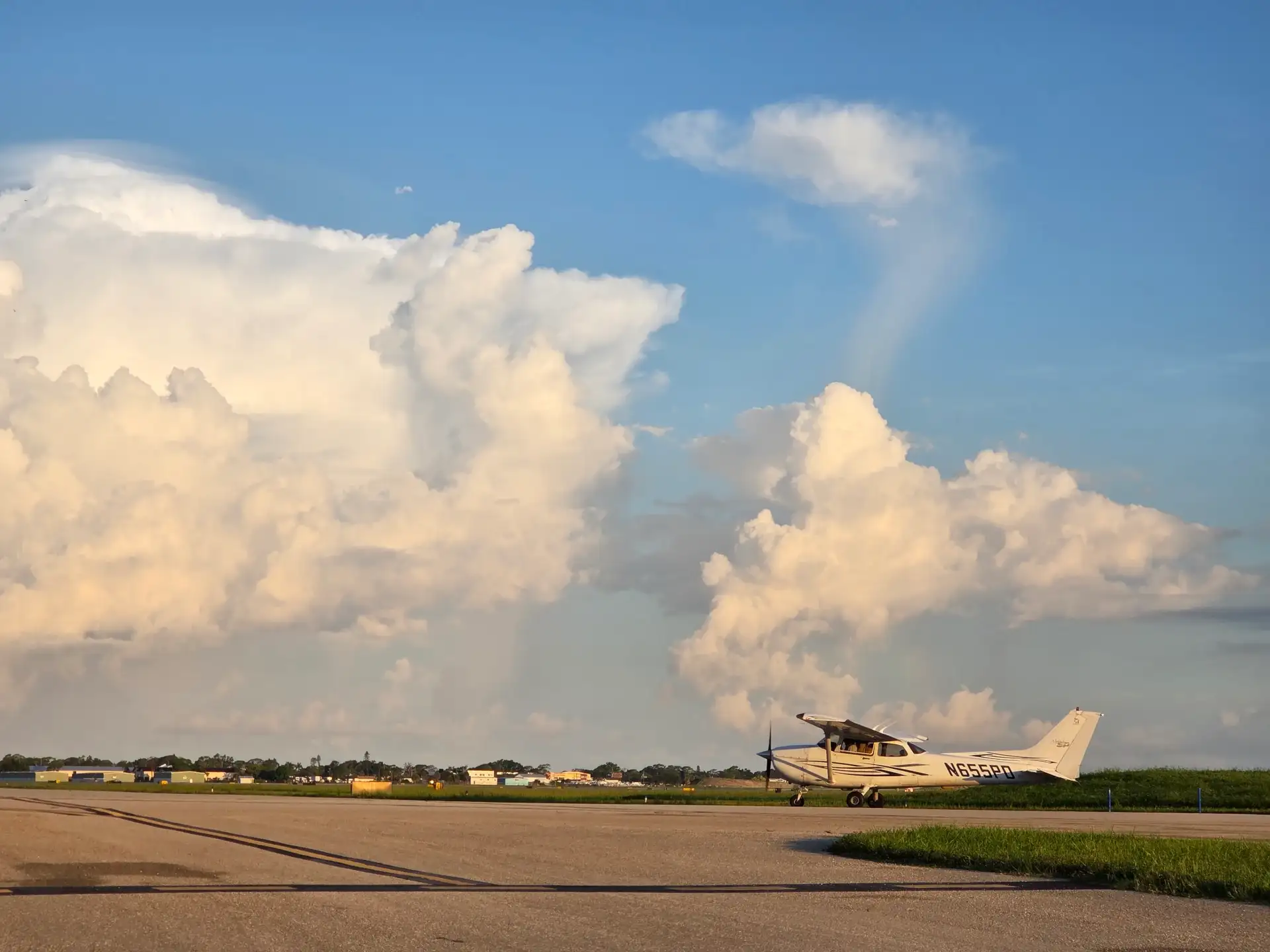
Aircraft training is where students combine procedures with real control feel, weather, traffic, and airport operations.
Common questions about flight simulator training
Can flight simulator training replace flight lessons?
No single simulator replaces the full experience of aircraft training. It can support selected tasks, procedures, and authorized experience, while aircraft lessons develop real control feel, landings, traffic awareness, weather judgment, radio timing, and complete-flight integration. Compare both sides through our simulator and fleet pages.
Is simulator time loggable?
Some properly conducted time may qualify, depending on the device’s current authorization, the certificate or rating, the applicable rules, instructor involvement, and recordkeeping. Your instructor should confirm those details before you build credit into a training estimate. The Instrument Rating program is a useful starting point for an instrument-specific conversation.
What skills are best to practice in a simulator?
Procedures, instrument scan, avionics flow, navigation setup, briefings, missed approaches, workload management, and scenario decisions often benefit from repeatable practice. The objective should come from your instructor and connect to your larger pilot training path.
Can a simulator help after a weather cancellation?
It may give the lesson a productive alternative when the planned objective suits the device and an instructor is available. Ground instruction or a focused debrief may be the better choice for other objectives. Our lesson-frequency guide explains how flexible planning can protect momentum.
Does simulator practice guarantee lower training costs?
No. Total cost varies with proficiency, preparation, course requirements, training frequency, aircraft and instructor time, testing, and other expenses. Deliberate simulator use can target specific practice, but it should fit a complete plan. Review flight-training financing resources separately from your training estimate.
When should a student start using a simulator?
The right timing depends on the lesson objective. Early sessions can introduce cockpit flow or instrument concepts, while later sessions can sharpen procedures and scenario management. We can help you connect the timing to your current experience and training program.
Build a training plan that connects practice to flight
The best simulator session has a purpose before you sit down and a next step after you stand up. Use it to isolate a skill, repeat a procedure, and improve a decision flow. Then bring that work into the aircraft, where motion, weather, traffic, radio timing, and aircraft handling complete the lesson.
If you want to see how simulator-supported practice can fit your aviation goal, enroll with Universal Flight Training and tell us where you are in your training. We will help you map the next step around your experience, schedule, and current training options.